Always accessible
An icon-only menu-bar presence opens and hides the terminal panel without adding a Dock window to manage.

A native macOS terminal built for everyday use.
Fast access. Real shell sessions. No window management.
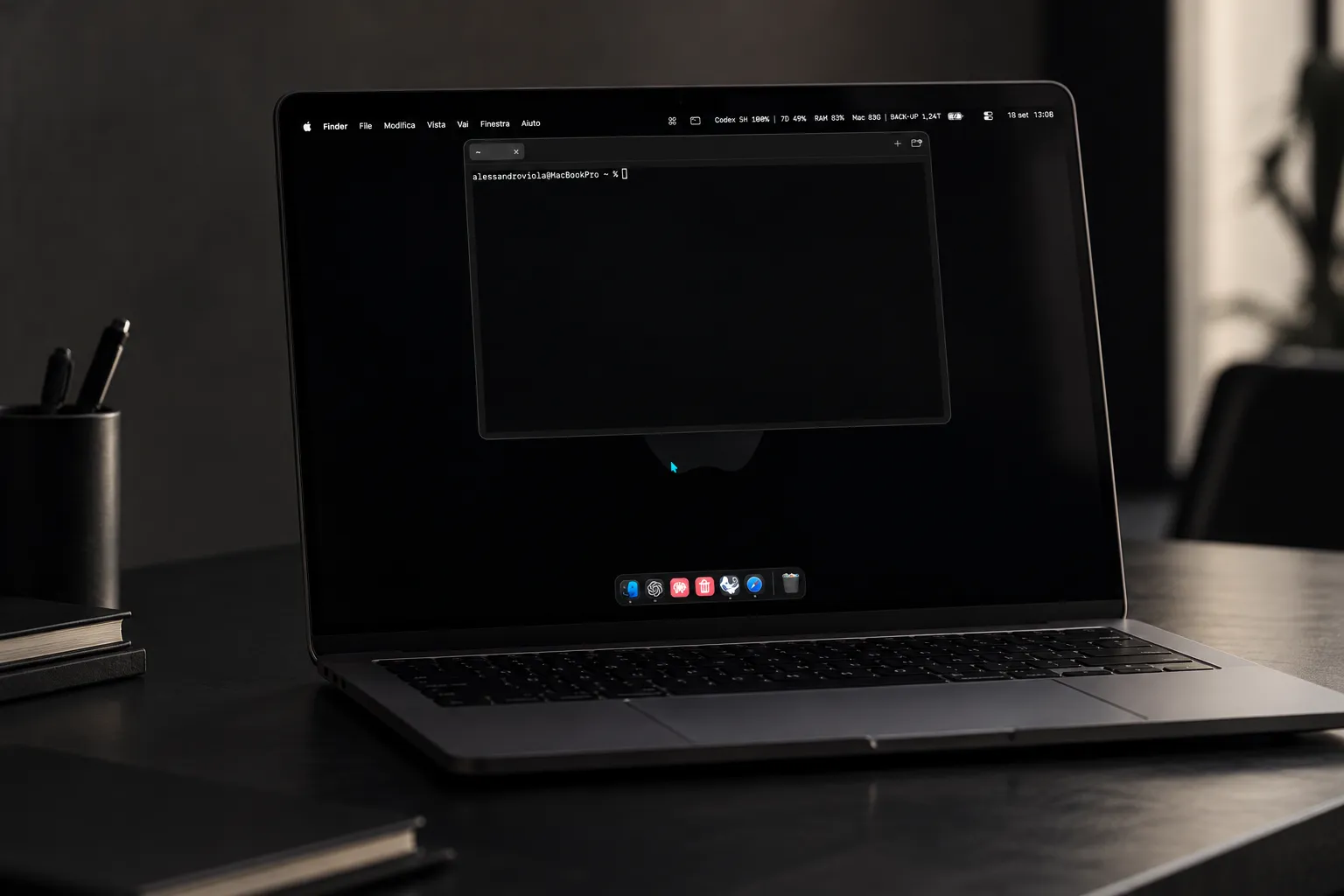
The terminal was already powerful. Accessing it didn’t need to feel heavy.
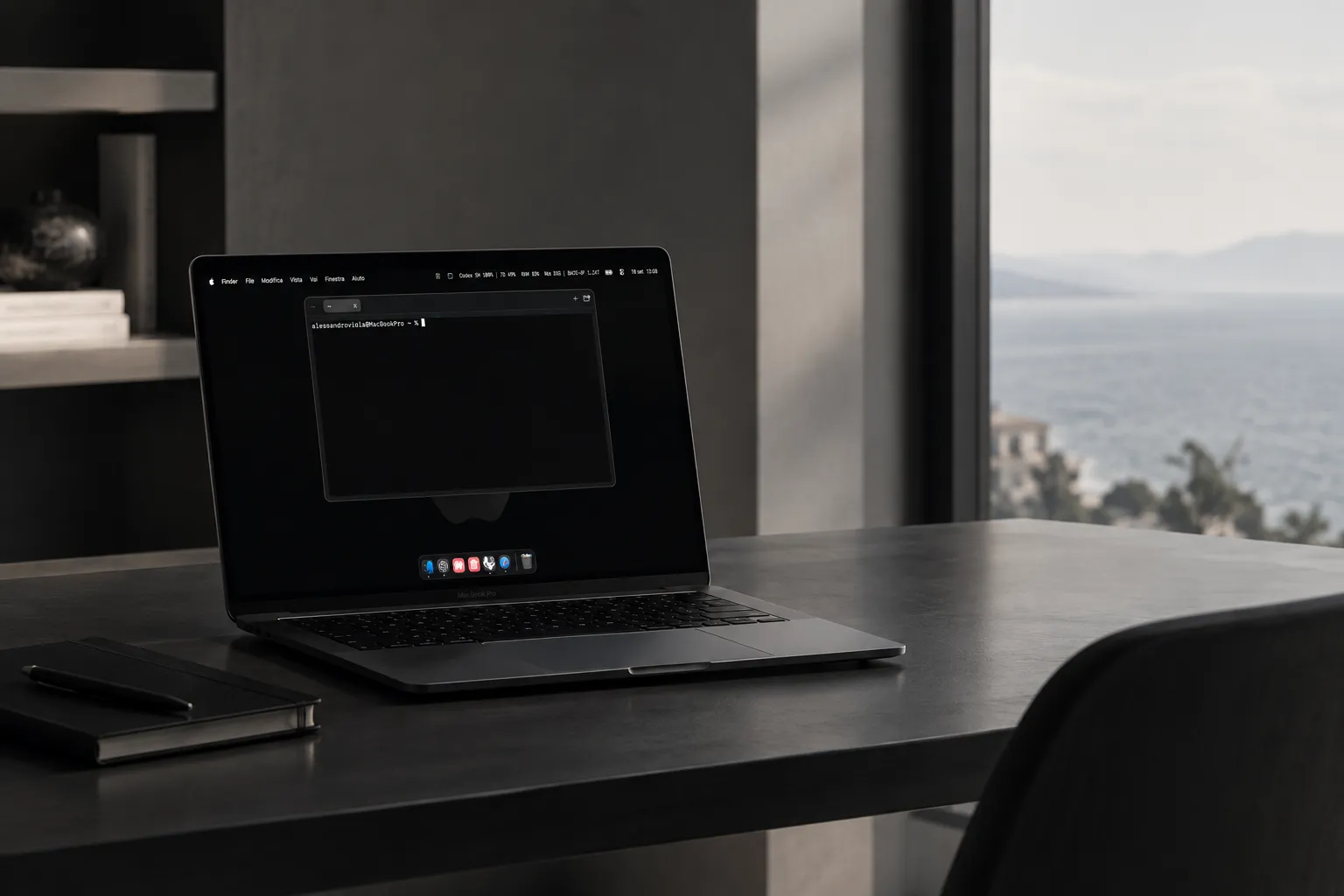
Terminal keeps normal local shell sessions close at hand in a compact panel anchored to the macOS menu bar. Hide the interface and the shell keeps running. Open it again and the same process, working directory and session are still there.
An icon-only menu-bar presence opens and hides the terminal panel without adding a Dock window to manage.
Each tab is backed by a local PTY through SwiftTerm. Shell processes continue running while the panel is hidden.
Independent tabs preserve their process, PID and working directory, with selection, rename and close controls.
A native AppKit panel stays anchored to the menu bar, remains resizable and keeps terminal geometry synchronized with the real view size.
Terminal 3.0 deliberately removed the earlier floating/notch concept. There is one presentation model: a compact native panel below the menu bar, resizable but intentionally not freely movable.
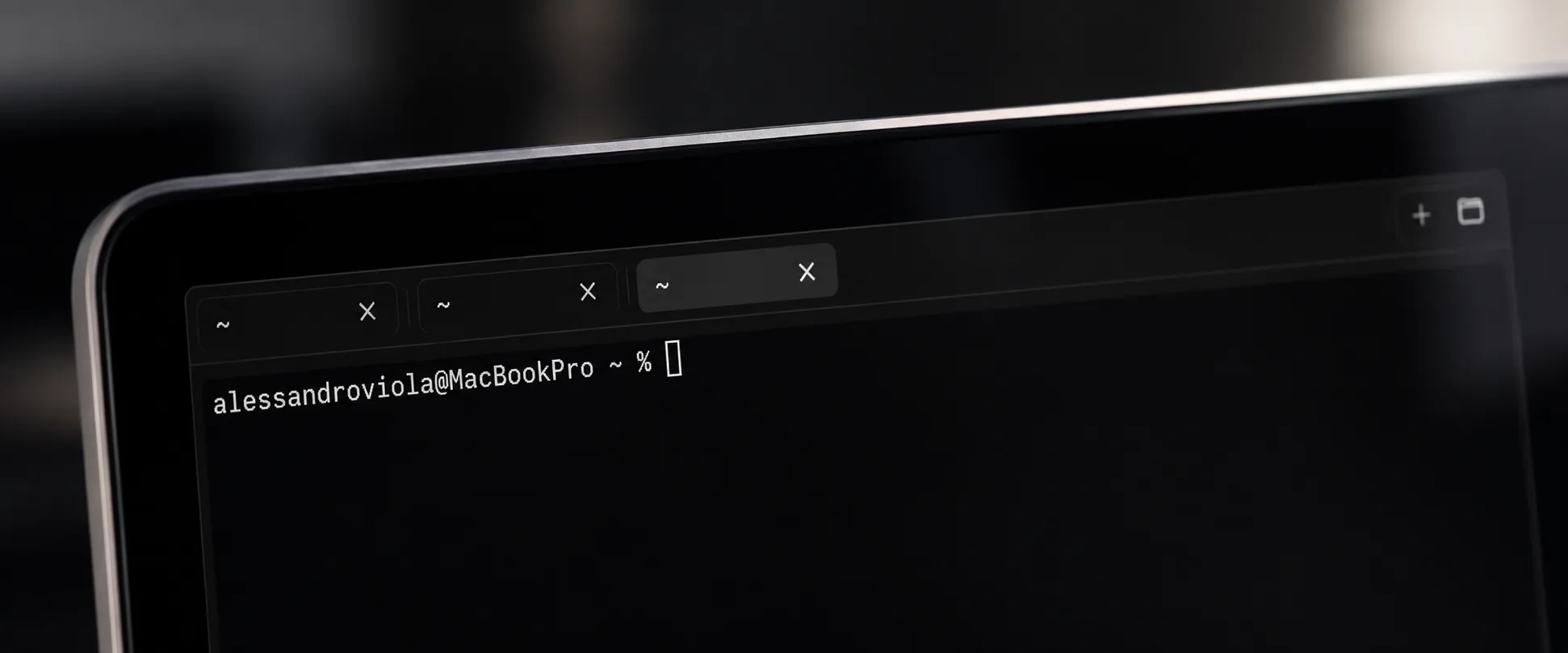
Switching tabs does not recreate the terminal. Each session keeps its own shell process and working directory, and closing the final tab creates a replacement session so the app never enters an unusable state.
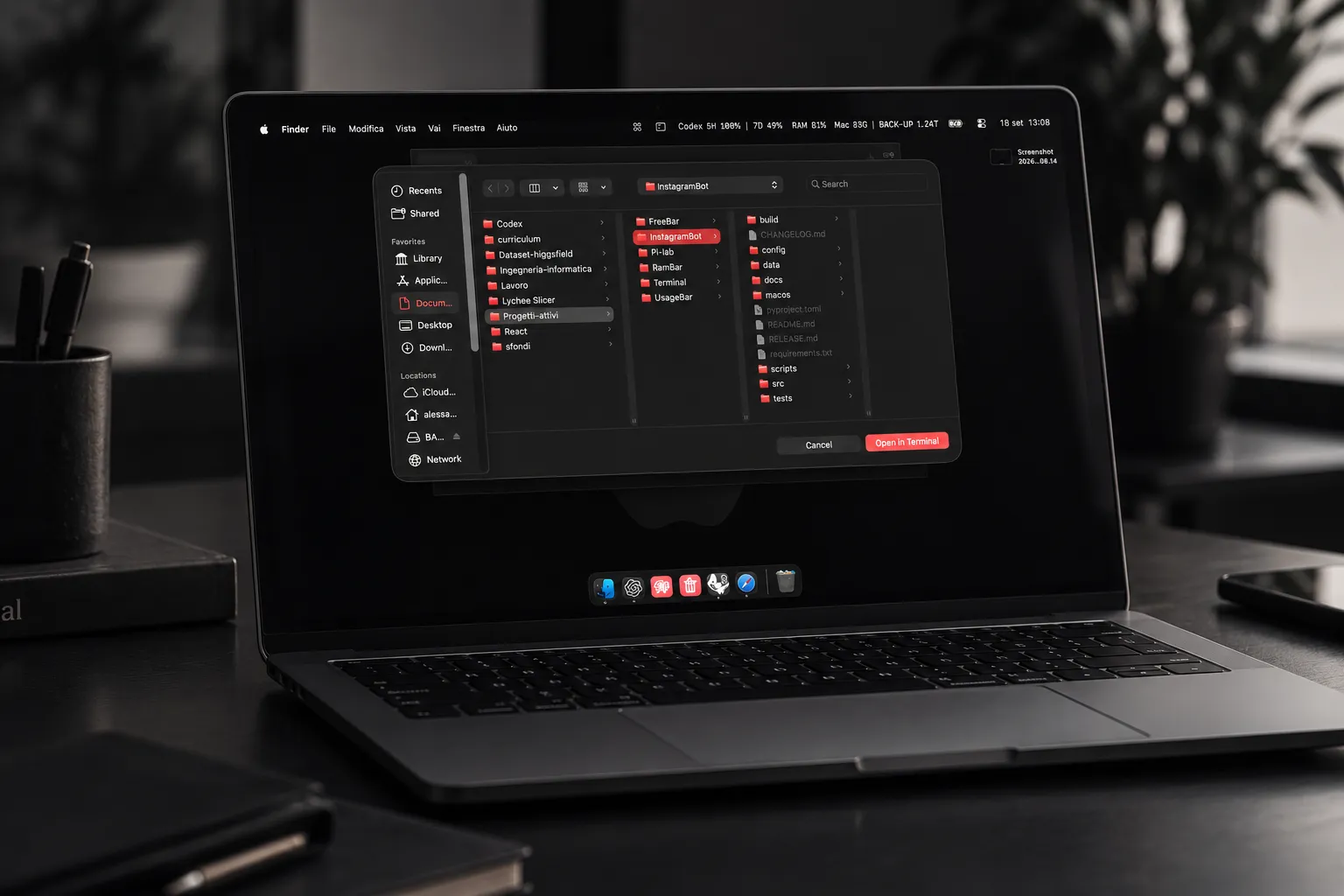
A new terminal session can be created from a selected folder, keeping the workflow close to Finder instead of forcing a separate navigation step.
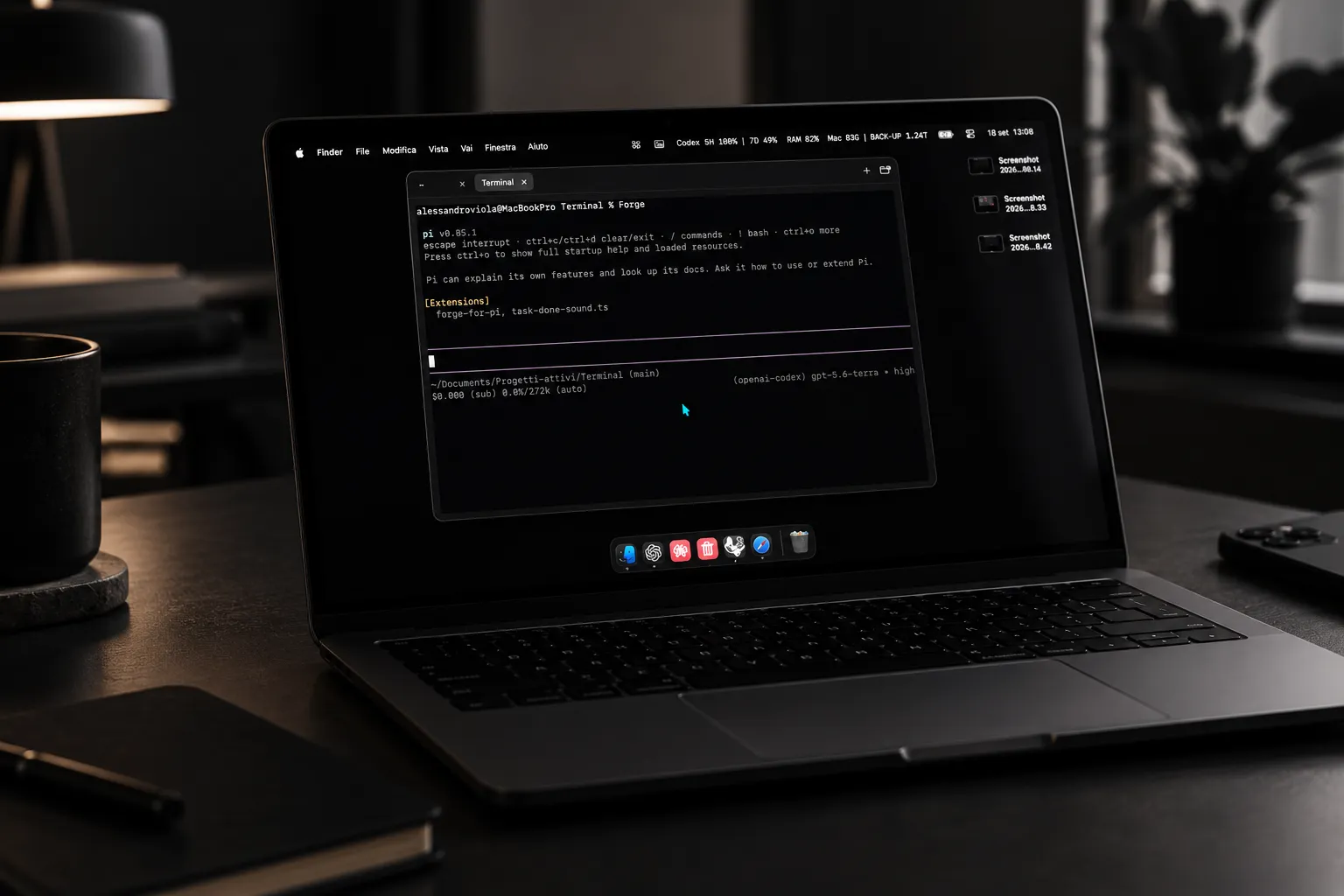
The interface stays deliberately small so the shell, tools and working context remain the focus. Terminal is a presentation layer around normal local terminal sessions, not a replacement shell or remote service.
The UI layer and session layer are kept separate. Ordinary show, hide and resize operations do not recreate terminal processes.
AppDelegate
├─ TerminalSessionManager
│  └─ TerminalSession → SwiftTerm / PTY
└─ TerminalPanelController
   ├─ MenuBarPresentation → NSStatusItem
   └─ TerminalPanel
      └─ TerminalPanelView
         ├─ TabStrip
└─ SwiftTerm hostThe public validation record covers builds, automated tests, real PTY interaction, repeated show/hide, resize behavior, tab persistence and foreground-process persistence within the documented test scope.
The compiled application is distributed as a ZIP through GitHub Releases. Xcode, Swift, Homebrew and Command Line Tools are not required on the destination Mac.
Download v3.0The current build is ad-hoc signed and is not yet Developer ID notarized. If Gatekeeper blocks the first launch, control-click the app, choose Open and confirm.
Terminal has no telemetry, analytics, advertising, accounts, cloud sync or application backend. Commands executed inside a shell can access the network or files according to the command itself and the user’s normal macOS permissions.
Terminal uses the MIT License with the Commons Clause License Condition v1.0. The source can be used, studied, modified and redistributed under those terms, but Terminal should not be described as OSI-approved open-source software.
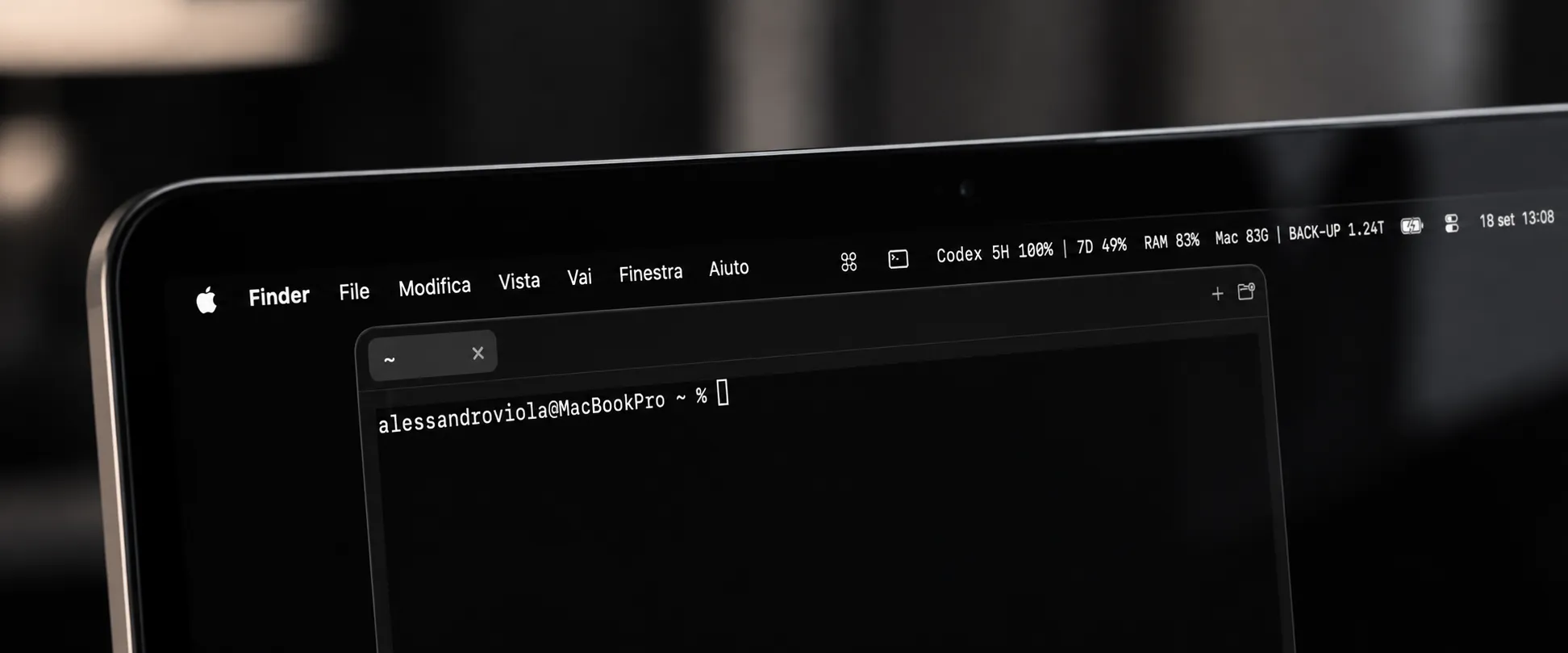
Terminal 3.0 is available now for macOS 14+ on the currently validated Apple Silicon target.