Codex short window
Displays the real remaining percentage reported for the authenticated Codex account.

Usage limits where they are useful: directly in the menu bar.
UsageBar is built primarily around OpenAI Codex, showing the real remaining percentage for the authenticated account’s 5-hour and 7-day windows, with optional GitHub Copilot support.
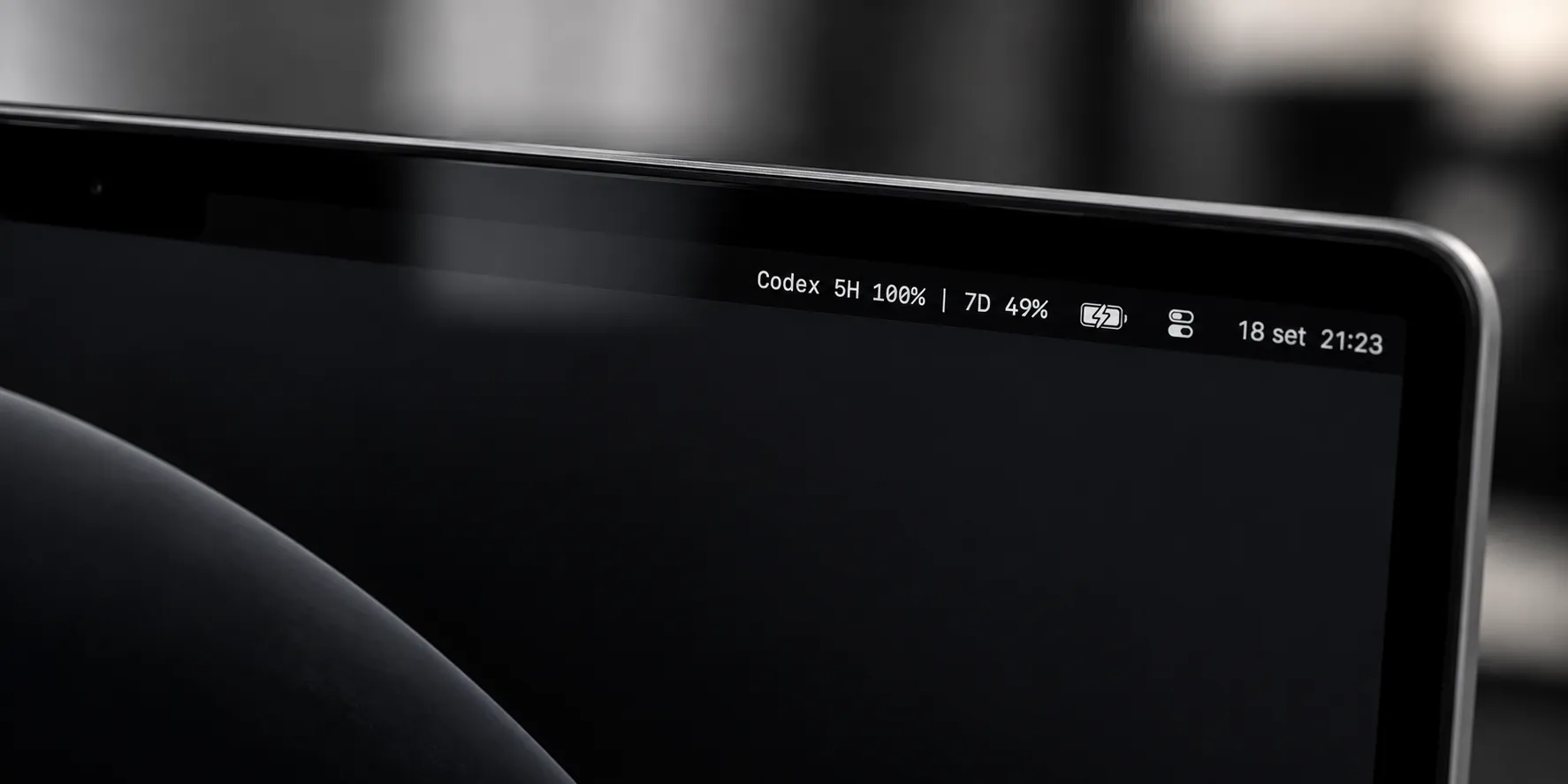
The compact menu-bar title stays focused on the selected provider and its remaining quota. Codex reset countdowns appear only inside the dropdown, so the persistent menu-bar view stays intentionally small.
Displays the real remaining percentage reported for the authenticated Codex account.
Displays the real remaining percentage reported for the authenticated Codex account.
Codex is the primary and default provider. GitHub Copilot is optional. The selected provider persists between launches, and each provider keeps an isolated cached snapshot so one failure does not erase the other provider’s last successful read.
UsageBar reads quota through the official codex app-server JSON-RPC interface using the existing Codex authentication state.
UsageBar uses the existing authenticated GitHub CLI for its isolated Copilot quota compatibility request. It does not read or store the GitHub token.
Codex follows the app-server handshake initialize → initialized → account/rateLimits/read. Copilot remains isolated behind its provider implementation and the existing GitHub CLI authentication.
OpenAI Codex
  official Codex auth
        │
        ▼
  codex app-server
        │
initialize → initialized
        │
account/rateLimits/read
        │
        ▼
     UsageBar

GitHub Copilot
  GitHub CLI auth
        │
        ▼
isolated Copilot provider
        │
        ▼
UsageBarUsageBar never asks the user to paste credentials and does not use quota checks as model-generation requests.
Fixture coverage, opt-in live provider tests, warnings-as-errors builds, release packaging and install validation are recorded separately in the public repository.
The release is distributed as a ZIP through GitHub Releases. The app runs as a menu-bar utility and the validated bundle is configured with no Dock icon.
Download v0.2.0The v0.2.0 validation run did not automate the visible Launch at Login toggle, manual Refresh item or visible provider switching, although the underlying switching, refresh and persistence behavior is covered by tests.

UsageBar v0.2.0 is available for macOS 13+ as an open-source MIT-licensed utility.